How to change text inside quotes or brackets in Vim
With the cursor anywhere inside the quotes, press ci" in Normal mode. The text between the quotes goes and you type the new text, then Esc. ci(, ci{ and cit do the same inside brackets and HTML tags.
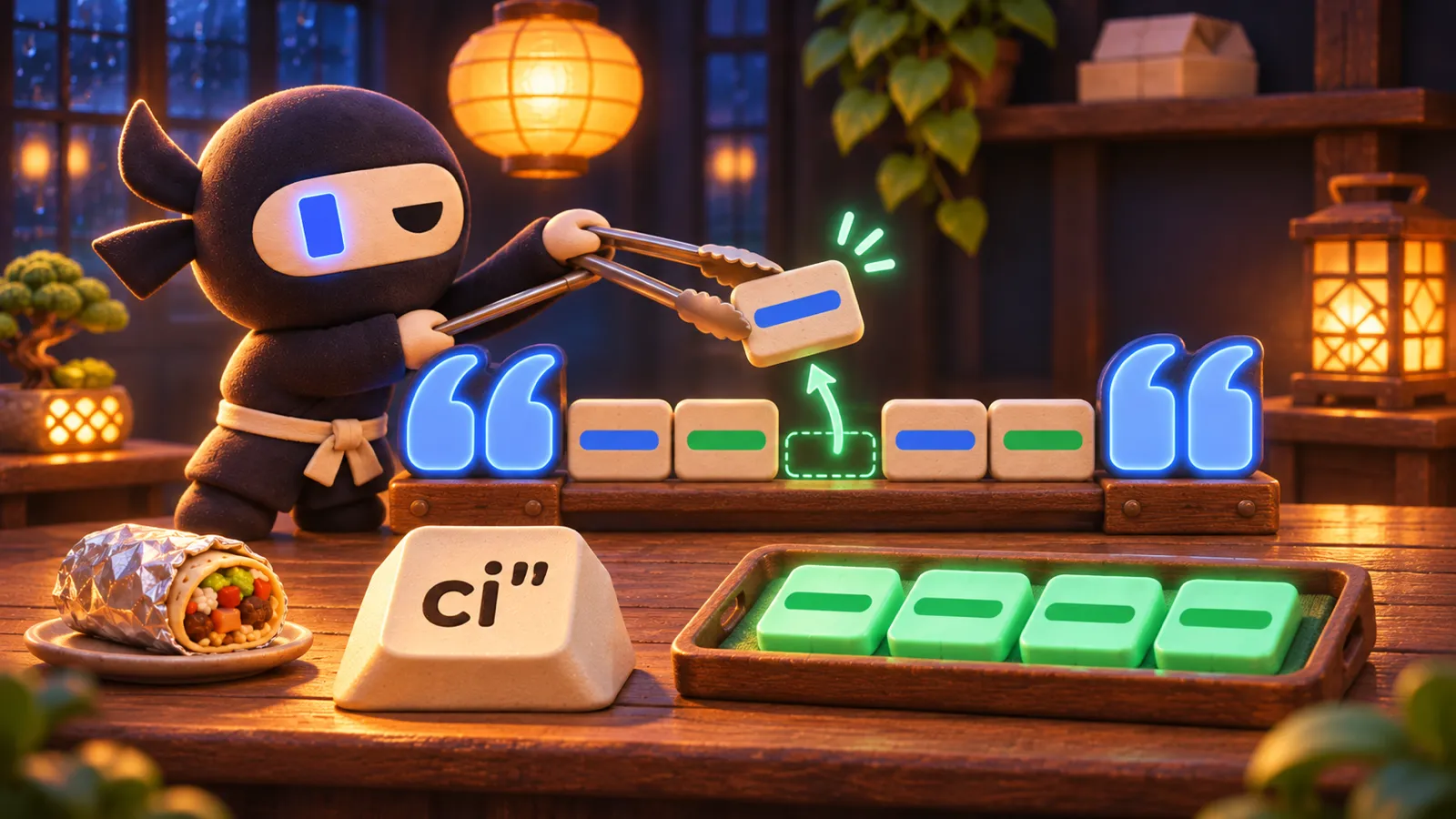
Winter hours start on Monday, and the shop's website still says it's open until ten. The cursor is in the middle of the opening hours in the config file. You want everything between the quotes gone and the new hours typed in, without counting characters or hunting for the closing quote.
hours: "11:00 to 22:00", hours: "11:00 to 20:00",Winter hours
The cursor is inside the opening hours.
11:00 to 20:00, then press Escshop.jsThis editor needs a keyboard. Read on, and play it at your computer.
Brackets and HTML tags work the same way
Read ci" as "change inside quotes". The last character names what to look inside, so ci( changes what's between parentheses, ci{ between braces, ci[ between square brackets and cit between an HTML tag and its closing tag. Single quotes and backticks work too, with ci' and ci`.
The cursor doesn't even have to be inside yet. If it's earlier on the line, Vim finds the next pair after it, so ci( at the start of price(order) changes order, and cit at the start of a line of HTML changes the text in that line's tag. The shop's specials list is a good place to try it.
New specials
The specials change with the season. The cursor is at the start of the first item, before its tag.
Mushroom, then Escmenu.htmlThis editor needs a keyboard. Read on, and play it at your computer.
Delete instead of change
Swap the c for d to delete without typing anything after. di" empties the string and leaves the quotes, which is what you want before pasting something in. da" reads as "delete a string" and takes the quotes too, along with the space after them. When pairs sit inside each other, Vim picks the innermost pair of the kind you asked for.
Quotes inside brackets
The cursor is on the t of winter, inside the quotes, which are inside the parentheses. In Normal mode you press ci( and then Esc. What does the line say now?
| Keys | Changes or deletes |
|---|---|
| ci" / ci' / ci` | the text inside the quotes, then Insert mode |
| ca" | the string, quotes included, then Insert mode |
| di" | the text inside the quotes, leaving "" |
| da" | the string, its quotes and the space after it |
| ci( or cib | everything between ( and ) |
| ci{ or ciB | everything between { and } |
| ci[ / ci< | everything between [ and ], or < and > |
| cit / dat | the text inside an HTML tag / the whole element, tags included |
| vi" / yi" | select / copy what's inside instead |
| ciw | the word under the cursor (a word works like a pair too) |